Upload Any Wheel
See It On Your Car
Not limited to our library. Upload your own wheel image from any source-product photos, eBay, screenshots, or phone photos-and preview it on your car.
The AI handles everything: cropping, background removal, and realistic fitting.
Wheel sources
Upload from anywhere
Found the perfect wheels online? At a car show? On another car? Grab the image and upload it.
Product photos
Manufacturer images, retailer product pages, catalog shots-high-quality images work perfectly.
Tire Rack, Fitment Industries, manufacturer sites
Marketplace listings
Found wheels on eBay, Craigslist, or Facebook Marketplace? Screenshot or save the image and upload it.
eBay, FB Marketplace, Craigslist, forums
Phone photos
Snap a photo of wheels at a shop, car show, or on another car. Your camera roll works fine.
Showroom shots, car meets, friend's wheels
Any image file
JPG, PNG, WebP-any common image format. The AI automatically processes and fits the wheel.
Downloaded images, saved photos, screenshots
Process
How custom upload works
Upload your car photo
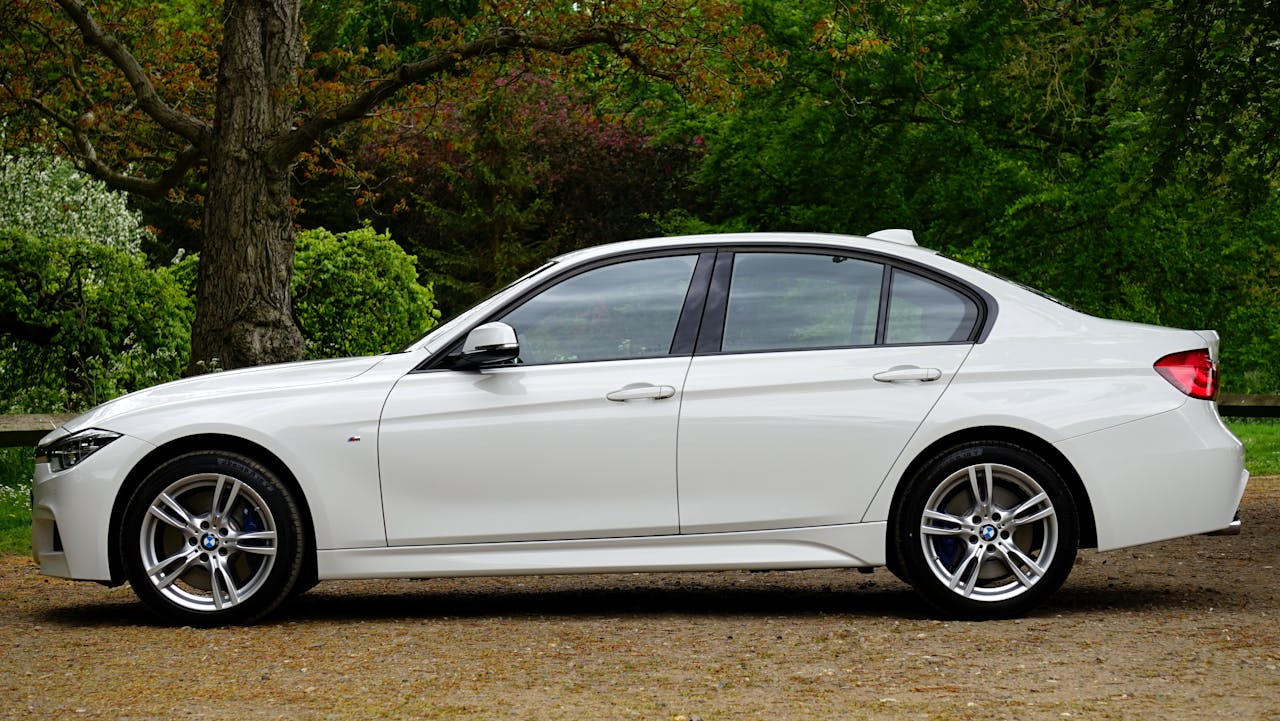
Start with a clear shot of your car. Side profile or 3/4 angle works best.
Upload your wheel image
Select 'Custom Wheel' and upload any wheel image. The AI extracts and prepares it automatically.
Generate preview
The AI fits the wheel to your car with proper perspective, lighting, and shadows. Download the result.
Automatic processing
Upload messy images. Get clean results.
You don't need to crop, edit, or remove backgrounds. Upload the wheel image as-is-the AI handles everything:
- Background removal and wheel isolation
- Perspective adjustment to match your car
- Color and lighting adaptation
- Realistic shadow and reflection rendering
Example
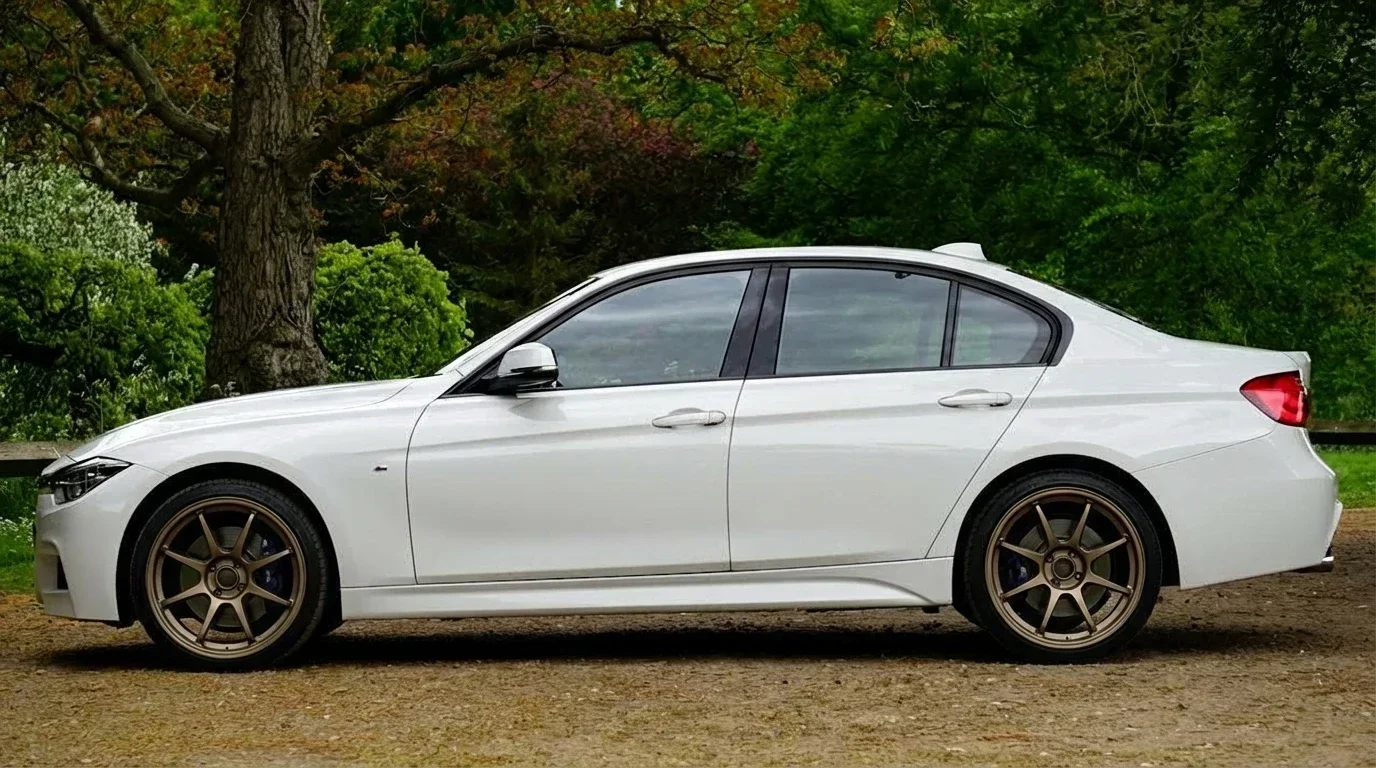
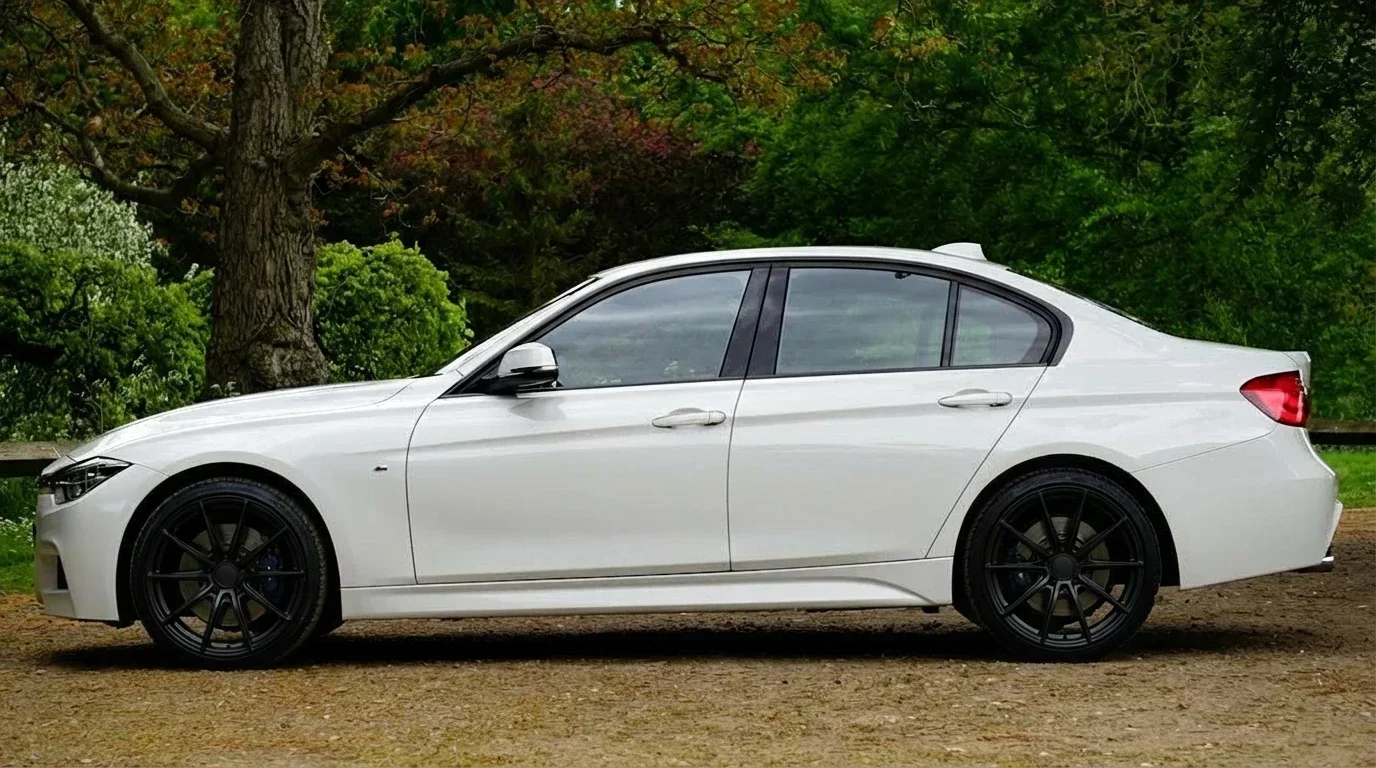
Custom wheel results
These previews were created with uploaded wheel images-not from our library.
Custom upload questions
What users ask about uploading their own wheels.
Clear, well-lit images with the wheel facing forward work best. Product photos from retailers are ideal, but any image where the wheel face is visible will work. The AI handles cropping and background removal automatically.
Yes. Screenshot the wheel from any website-eBay listings, manufacturer pages, forum posts-and upload directly. Make sure the wheel is clearly visible in the screenshot.
No problem. The AI automatically removes backgrounds and isolates the wheel. You don't need to edit or crop anything before uploading.
Absolutely. If you see wheels on another car and want to see them on yours, take a photo of that car's wheels and upload it. The AI extracts the wheel design.
No. Custom wheel uploads use the same credits as our wheel library. One preview = one credit, regardless of source.
Yes. Once you upload a custom wheel, it's saved to your wheel library. Reuse it on different car photos without re-uploading.